
Guide
How to accept crypto payments on your website
Three ways to accept cryptocurrency: Bitcoin and stablecoins. The first is a payment processor: a company in the middle. The other two are not processors at all. They are software, and the payment goes to your own wallet.
Accept crypto with OpenReceiveFree & open source · No account · Paid to your own wallet
Who holds your money?
The three ways to accept crypto payments, by where the money goes.
A processor · a company
1. Hosted processor
BitPay, Coinbase Commerce, NOWPayments, CoinGate
- Customer
- Processor
- You
- Holds your money until it pays out
- Account and business verification
- Fee on every payment
- Can pay out to your bank
Software · not a processor
2. Software on a server you run
BTCPay Server
- Customer
- Your wallet
- Your server makes the invoice; it never holds the money
- No account, no middleman
- Free software
- Another server to run and update
Software · not a processor
3. Software inside your own app
OpenReceive
- Customer
- Your wallet
- Your app makes the invoice; it never holds the money
- No account, no middleman
- Free, MIT licensed
- Runs inside the app you already have
Want dollars in your bank instead of crypto? A hosted processor is the better fit.
How a payment reaches your wallet
 Customer paysBitcoin, scanned from a QR code


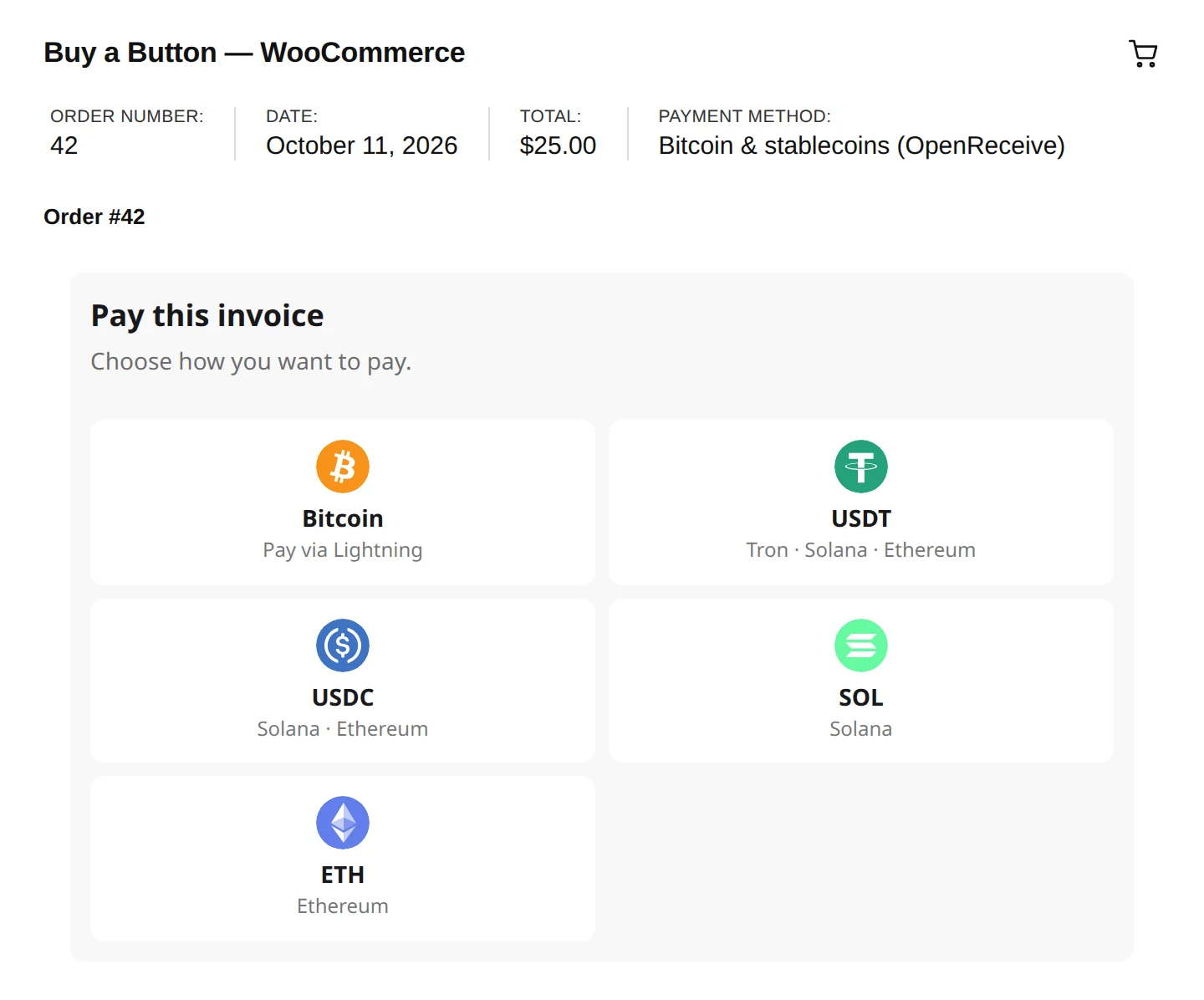
 Or pays in stablecoinsUSDT, USDC, ETH or SOL
Start in four steps
- 1 Get a wallet code Receive-only: it can't spend, so your server can't be drained. Get one free →
- 2 Add OpenReceive A plugin for your store, or a package for your app. Pick yours ↓
- 3 Add stablecoins Optional: connect a swap provider. Set it up →
- 4 Go live Pay yourself a small invoice, then deploy. Deploy guide →
Works with your store or app
-
 WordPress + WooCommerce
- WordPress + Easy Digital Downloads
-
 Express
-
 Fastify
-
 Next.js
- NestJS
-
 Rails
Rails
-
 BTCPay Server
- Paymenter
- FOSSBilling
- PrestaShop
- Odoo
- Medusa
- Vendure
- Magento
-
 Django
-
 FastAPI
- Flask
-
 Laravel
-
 PHP
PHP
- SvelteKit
- Nuxt
- Astro
- React Router
- TanStack Start
Building on Vercel, Replit, Lovable, Bolt or Supabase? Start from your platform. Using Claude Code, Codex or Cursor? Every page has directions your agent can follow. No Shopify app yet.
Questions
How do I accept USDT payments?
Install OpenReceive for your store or app and choose a swap provider. The customer pays USDT on Tron, Ethereum or Solana, and it arrives in your wallet as Bitcoin.
How do I receive Bitcoin as payment?
Get a wallet that gives you an NWC code and paste it into OpenReceive. Each order gets its own invoice, paid over Lightning straight to your wallet.
Can I accept cryptocurrency on a WordPress or hosted site?
Yes. Install the OpenReceive plugin for WooCommerce or Easy Digital Downloads from the WordPress.org directory, no code needed. Most hosts run it: check yours.
Do I need a business account?
Not with OpenReceive or BTCPay Server: they are software, not processors, so there is nothing to sign up for. Hosted processors usually ask you to verify your business.
What does it cost?
OpenReceive is free. Your wallet, a swap provider and the Lightning network may charge small fees of their own. Hosted processors take a percentage of each payment.
Can I get paid in dollars?
Not directly with OpenReceive: you receive Bitcoin and can sell it on an exchange. For bank payouts, use a hosted processor.
Is a wallet code on my server safe?
Yes. It is receive-only: it can create invoices and check them, but it cannot send money. You withdraw in your wallet's own app.
What about taxes?
In many countries a crypto sale counts as revenue at its value when paid. Keep a record of each payment and ask an accountant.
Accept Bitcoin and stablecoins today
Free, open source, and paid straight to your own wallet.
Get started with OpenReceive