Allow purchasers to pay with USDT, USDC, ETH, or SOL. The swap provider securely converts the amount to Bitcoin Lightning.
Create API credentials with a recommended provider below, or build your own, then set the
resulting Lightning Swap Connect URI as LSC_URI_PRIMARY in your server environment.
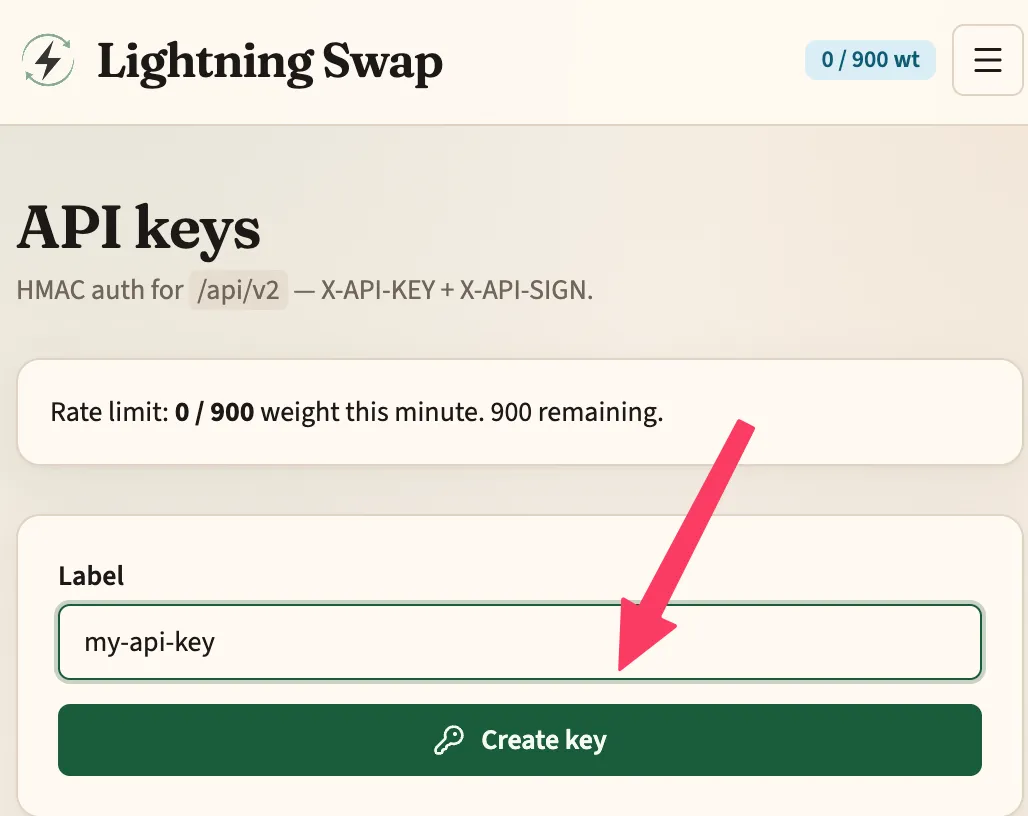
Lightning Swap is a lightning-native swap service. Create one API key in the dashboard, then copy the Lightning Swap Connect URI into your server environment as LSC_URI_PRIMARY.
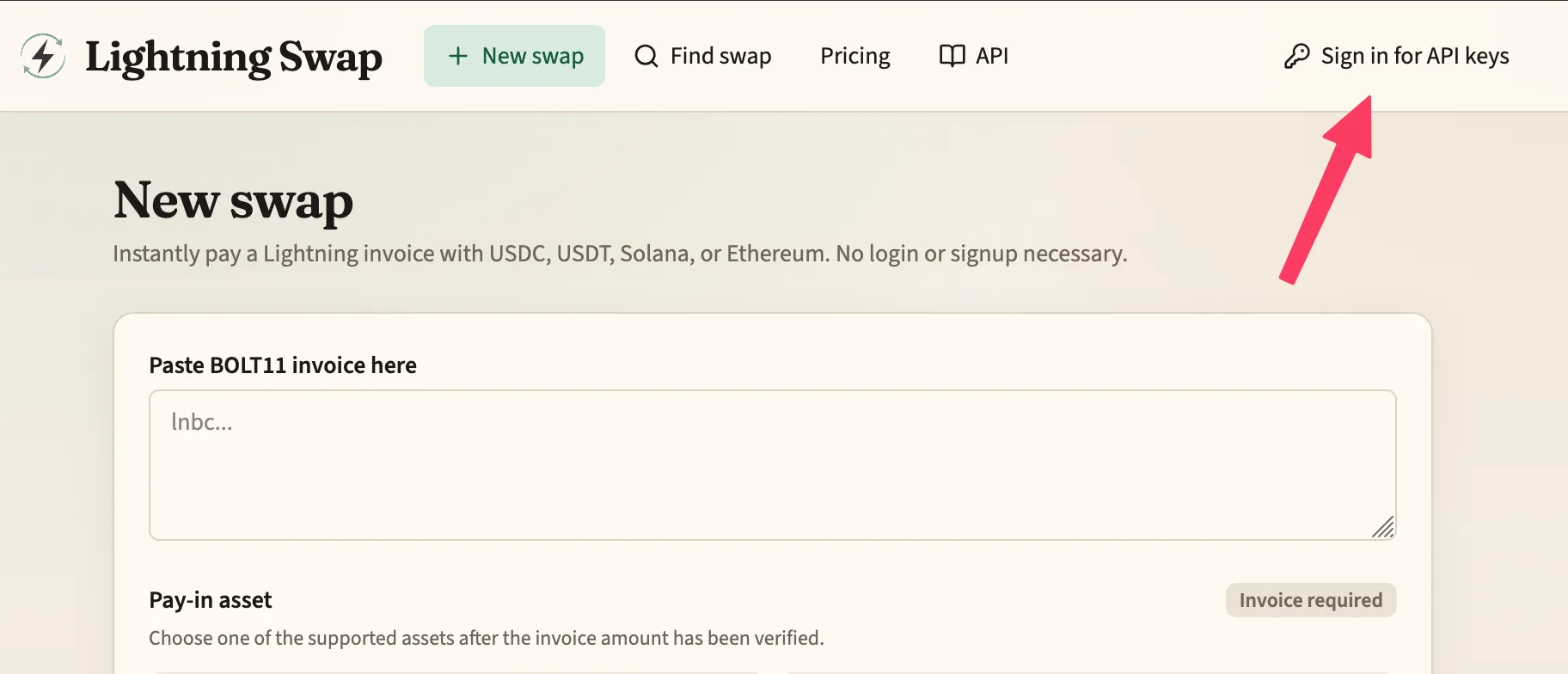
Open lightning-swap.com and choose Sign in for API keys.
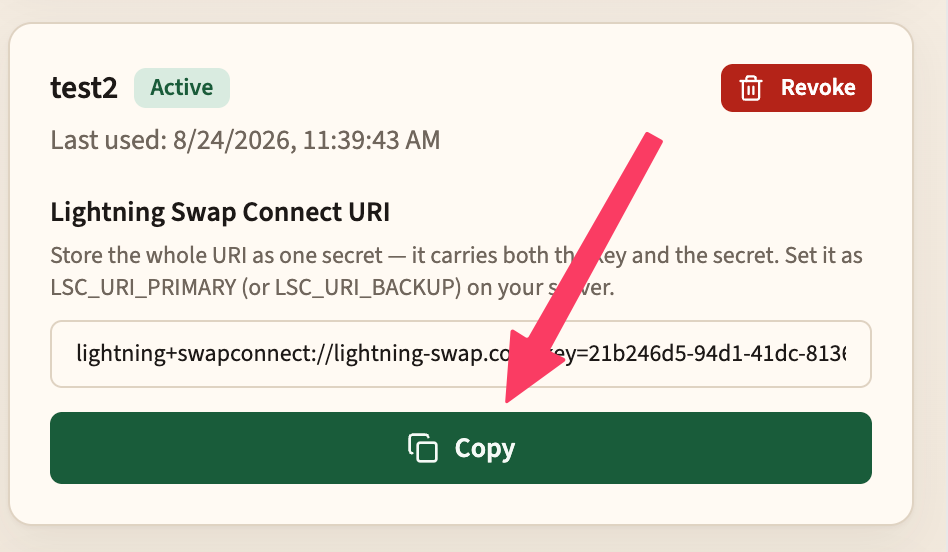
Tap Copy to copy the Lightning Swap Connect URI. Store the whole URI as one secret — it carries both the key and the secret.
Set it on your server as the LSC_URI_PRIMARY environment variable (use LSC_URI_BACKUP for a backup provider, which is consulted only when the primary is unreachable).
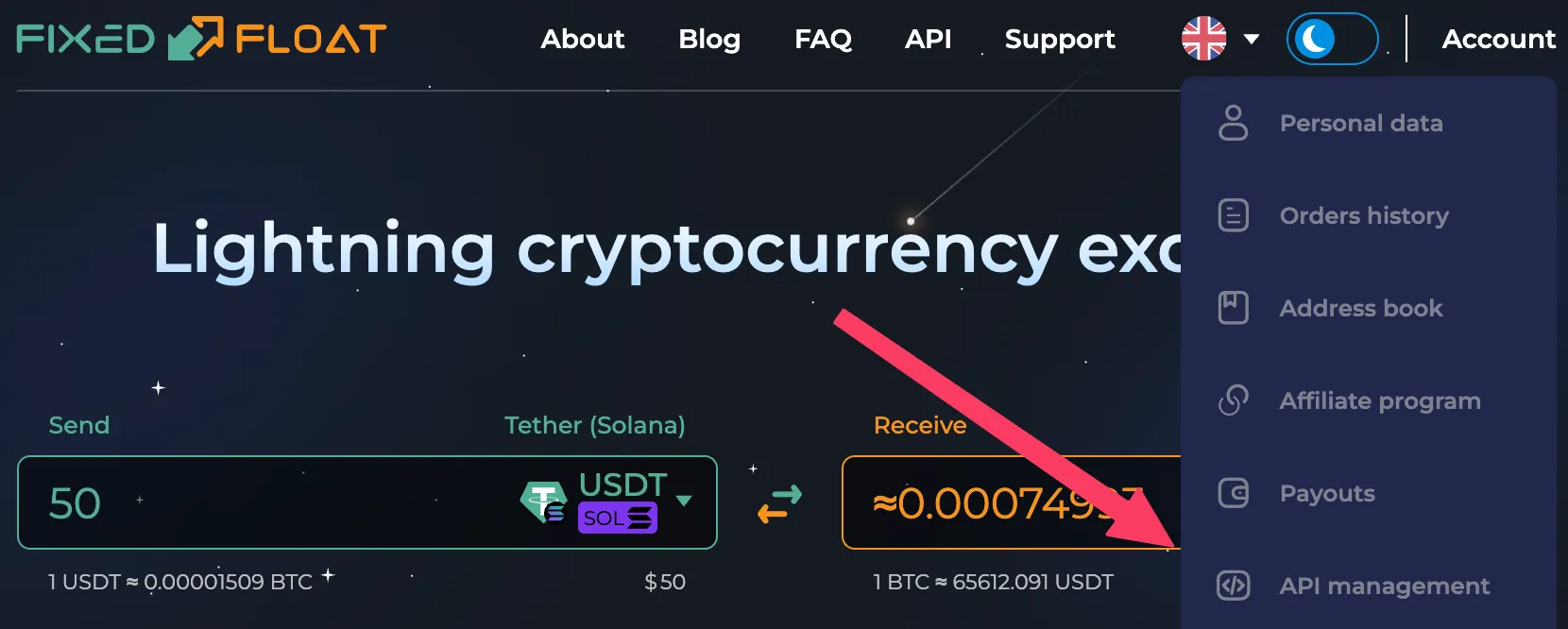
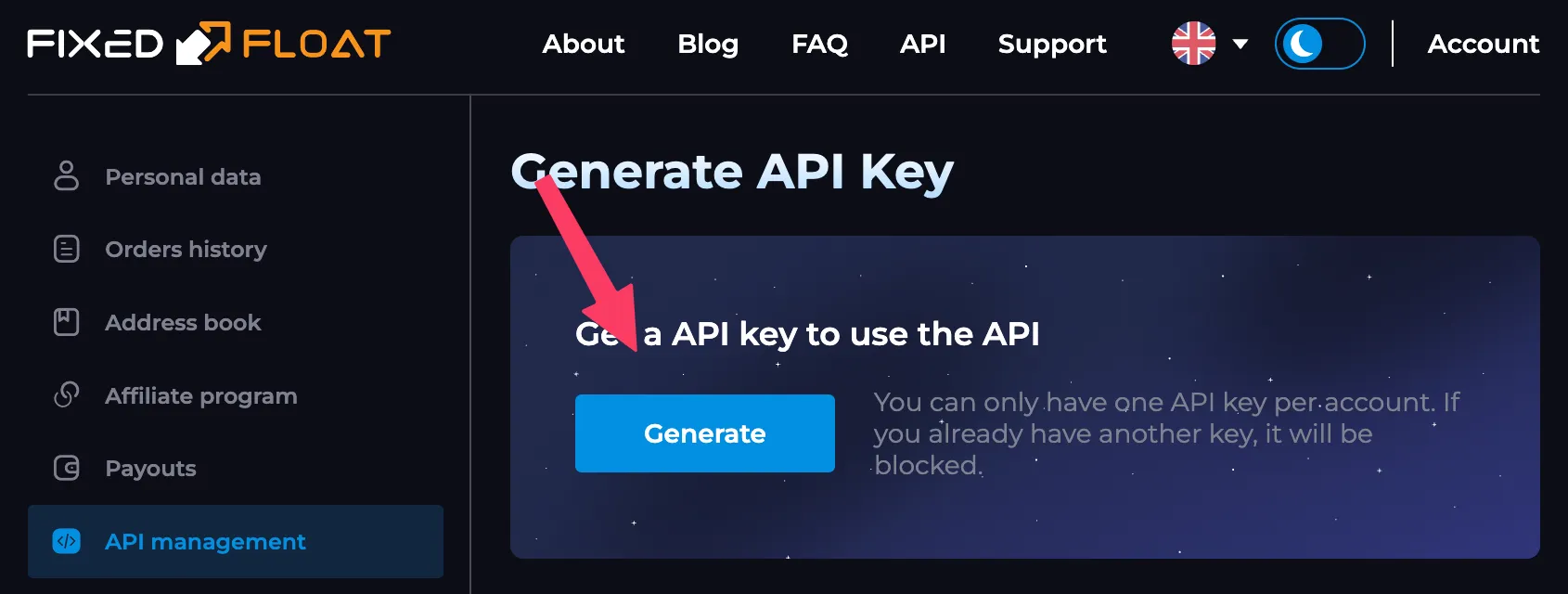
Tap Generate. FixedFloat allows one API key per account.
Copy the API key and the API secret.
Drop both into the Lightning Swap Connect URI below, keeping ff.io as the host.
Set the finished URI on your server as LSC_URI_PRIMARY (or LSC_URI_BACKUP, which is consulted only when the primary is unreachable).
Build your Lightning Swap Connect URI
One URI carries the host, the key, and the secret. Replace the two highlighted placeholders with your FixedFloat values — everything else stays exactly as shown.
Build your own altcoin → Lightning swap provider by conforming to the
Lightning Swap API, which is a subset of the FixedFloat API.
Point OpenReceive at your service the same way you would Lightning Swap or FixedFloat:
construct your own Lightning Swap Connect URI — your host, your API key, your API
secret — and set it as LSC_URI_PRIMARY.
The Lightning Swap API keeps FixedFloat's paths, HMAC-signed requests, response
envelope, currency codes and order object, and leaves out everything a swap into
Lightning does not need. FixedFloat has run this protocol in production for years, so
the hard cases already have answers: a deposit that arrives short, one that arrives too
large, and one that arrives after the quote expired.
With stablecoins, refunds are unfortunately necessary. Payers send USDT and USDC from
on-chain wallets and exchanges, where withdrawal fees get deducted, amounts get rounded,
and transfers land after the deposit window closed. A Lightning payment can be exact;
these cannot. And a mismatched deposit cannot simply go back where it came from,
because exchange withdrawals leave from shared wallets.
FixedFloat's refund protocol handles this in four explicit steps:
The order moves to EMERGENCY and says why: LESS (underpaid),
MORE (overpaid), EXPIRED (arrived late) or
LIMIT (outside the limits).
Nothing moves on its own: the merchant's Lightning invoice is not paid and no refund is sent.
The payer gives a refund address on the same network, and OpenReceive calls
/emergency with choice: "REFUND".
Your service sends the deposit back, records the transaction on the order as
back.tx, and the order ends DONE.
It is a small state machine with no guesswork, and it really works. It is also
understandable: if you know what you are doing, you can implement it.
The host comes from your Lightning Swap Connect URI; authenticated methods live under
/api/v2.
GET/rates/fixed.xmlRequired
Public, with no key. OpenReceive caches it to show each coin's indicative amount,
minimum and maximum before an order exists. List a BTCLN pair for every
coin you accept.
POST/api/v2/cciesRequired
Your currency catalog. OpenReceive maps USDT, USDC, SOL and ETH to your codes and
finds the Lightning payout code (BTCLN, with send: 1).
POST/api/v2/createRequired
The binding order. OpenReceive sends type: "fixed",
direction: "to", toCcy: "BTCLN", the amount in
BTC, and toAddress: a BOLT11 invoice from the merchant's own wallet.
Return id, token, status,
time.expiration, and the deposit from.address and
from.amount, plus from.tag where the network needs a memo.
POST/api/v2/orderRequired
Polled with id and token until the order is
DONE, EXPIRED or EMERGENCY.
POST/api/v2/emergencyRequired
Sent with choice: "REFUND" and the payer's refund
address (and tag), after OpenReceive refreshes the order.
POST/api/v2/priceRecommended
Called after create to show the payer the swap fee. If it fails, the fee is simply
not shown.
You can skip the rest of the FixedFloat API: float rates, on-chain payouts,
direction: "from" orders, the EXCHANGE emergency choice, and
the email and QR helpers.
Signed requests. Every POST carries X-API-KEY and
X-API-SIGN, the lowercase hex HMAC-SHA256 of the exact request body under
the API secret. An empty body is {}, signed as such.
One envelope. Every response is
{ "code": 0, "msg": "OK", "data": … }; a non-zero code is an
error.
FixedFloat's statuses.NEW, PENDING,
EXCHANGE, WITHDRAW, then DONE; or
EXPIRED; or EMERGENCY. Spell them exactly.
The order token is a secret./order and
/emergency require both the order id and its
token.
Pay each invoice at most once, and only after the deposit has the
confirmations you require. A Lightning payment cannot be pulled back.
Your status never marks an order paid. OpenReceive marks an order
paid only when the merchant's own wallet reports the Lightning invoice settled.
DONE without a settled invoice does not count.